


 No Items in Cart
DCA-ZE
Digital Compliance Advisor
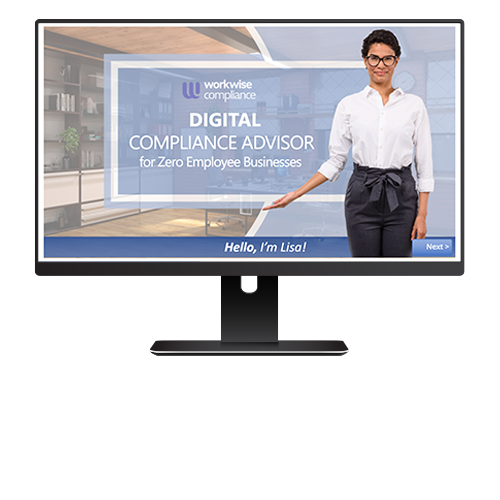
An interactive, question-based module, hosted by a fully-voiced Digital Advisor named Lisa, that helps businesses with zero employees find and implement the forms, checklists, guides, posters, and links that they need most to protect them from the biggest legal risks associated with running a business.
Digital Compliance Advisor Description
While companies that don’t have any employees are exempt from employment laws (unless they are planning to hire), they still need to comply with various laws and regulations associated with running a business. These legal obligations include tax filings and payments, making sure contractors are classified correctly, complying with consumer privacy laws, protecting sensitive data from identity theft, and more. If the business is family-operated or open to the general public, additional posting and communication requirements may also apply.
To help businesses with zero non-family member employees comply with applicable laws and regulations, WorkWise Compliance has introduced a comprehensive, interactive Digital Compliance Advisor for Zero Employee Businesses module. Hosted by Lisa, your fully-voiced Digital Compliance Advisor, this question-based module will guide you to the compliance resources you need now to address common legal risks faced by any business, even if you don’t have any employees on payroll.
Features & Benefits Include:
- A fully voiced Digital Advisor named Lisa to guide you to the resources you need Interactive menus covering seven different aspects of workplace compliance:
- Independent contractors
- Public accommodation notices and signage
- Identity theft prevention
- Website privacy and accessibility
- IRS tax obligations
- Interviewing & hiring
- Family member employees
Guarantee
If you are not completely satisfied, you can return it within fourteen (14) days of receipt for a full refund.